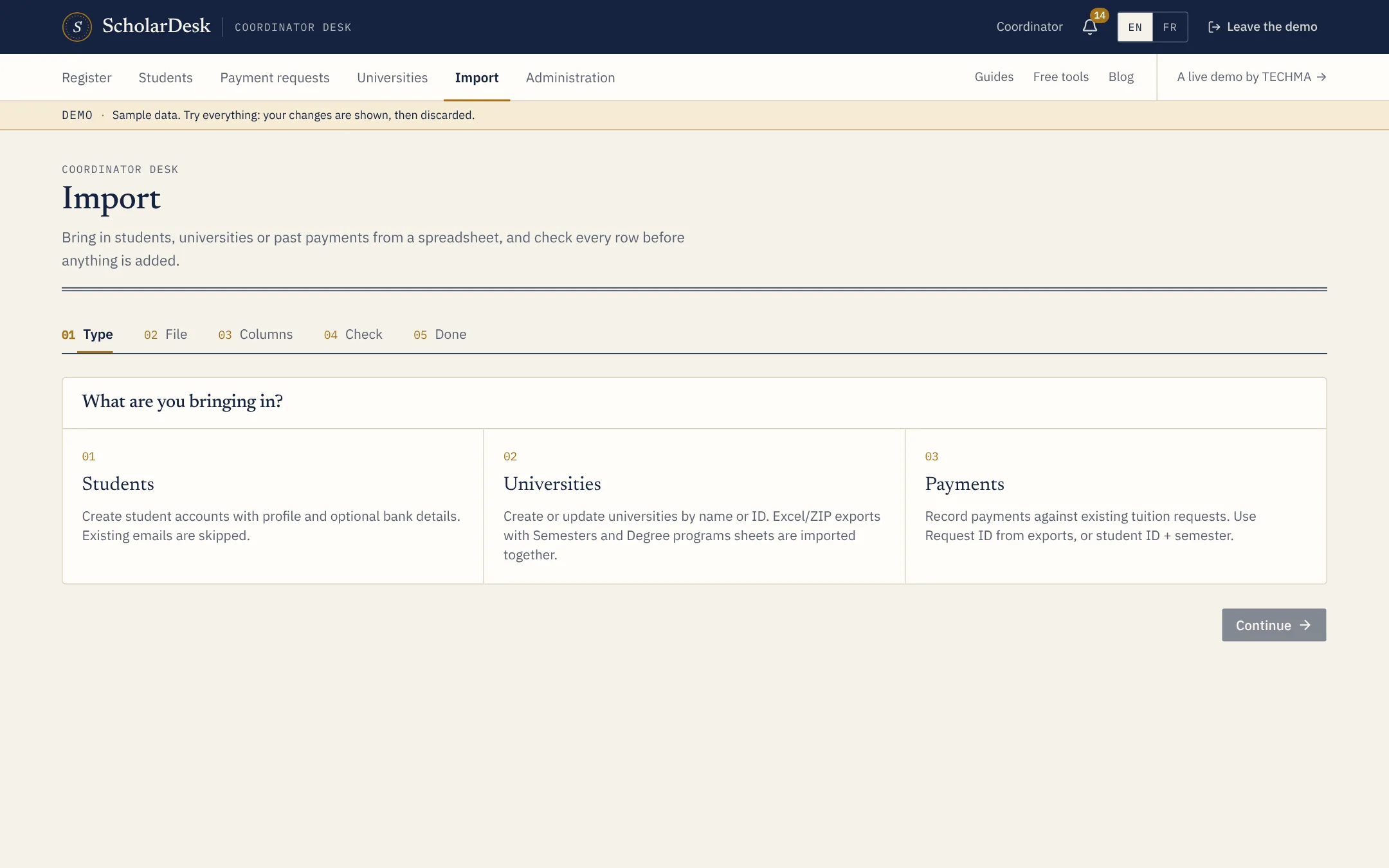
Five steps
- Type. Students, universities or payments.
- File. A CSV or Excel file; a template with the expected columns can be downloaded.
- Columns. Match your column names to the fields of the app.
- Check. Every row is read. Errors are listed with the row and the reason.
- Done. A count of what was created, updated and skipped.
What can be brought in
- Students. Files with studies and, optionally, bank details. An e-mail already on file is skipped.
- Universities. Created or updated, with their semesters and programs on separate sheets.
- Payments. Recorded against existing requests, matched by request number or by student and semester.
And out again
Every list has an export to Excel or CSV. You choose the fields; related data goes on separate tabs or files. Your data is never locked in.