ScholarDesk

ScholarDesk/Features/Alerts and coordinators

The desk is told before it is late

Four situations raise an alert under the bell and by e-mail, so no due date depends on someone's memory.

One click, no account. Open the coordinator desk or a student file; the data is fictional and nothing you change is kept.

Alerts and coordinatorsscholardesk.techma.ai
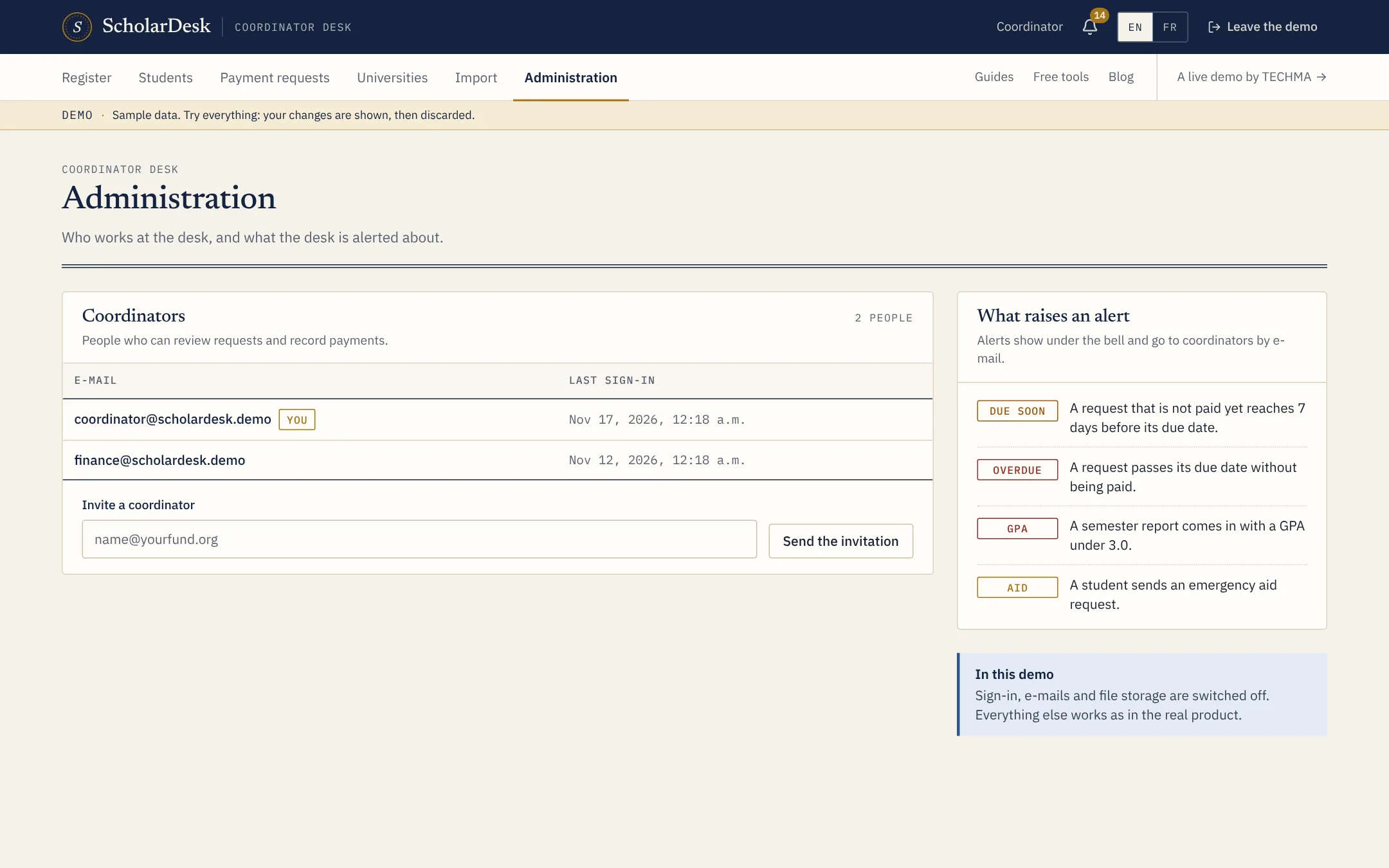
The administration page of ScholarDesk with coordinators and the four alert rules

What raises an alert

  • Due soon. A request that is not paid reaches seven days before its due date.
  • Overdue. A request passes its due date without being paid.
  • Average. A semester report comes in under the program's threshold.
  • Emergency aid. A student sends an emergency request.

Coordinators

The administration page lists the people who can review requests and record payments, with their last sign-in, and lets a coordinator invite another by e-mail.

In the demo

Alerts appear under the bell. E-mails, sign-in and file storage are switched off in the demo; everything else works as in the product.

Terms used on this page

Emergency aidSemesterSemester report

Questions

Asked before the first call

Can the thresholds be changed?

Seven days and 3.0 are the values of the demo. In a custom version they are settings of your program.

Live demo

Judge it on what it does.

ScholarDesk is a working application, not a mock-up. Open the coordinator desk, approve a request, record a payment, then switch to a student file and send one yourself.