Sending a request
The student picks the type of request, then fills three parts: the session, the payment (amount, due date, invoice, account to pay) and the semester report. A draft is kept in the browser if they stop halfway.
At the end, a receipt confirms what was sent and shows the first of the four steps.
Following it
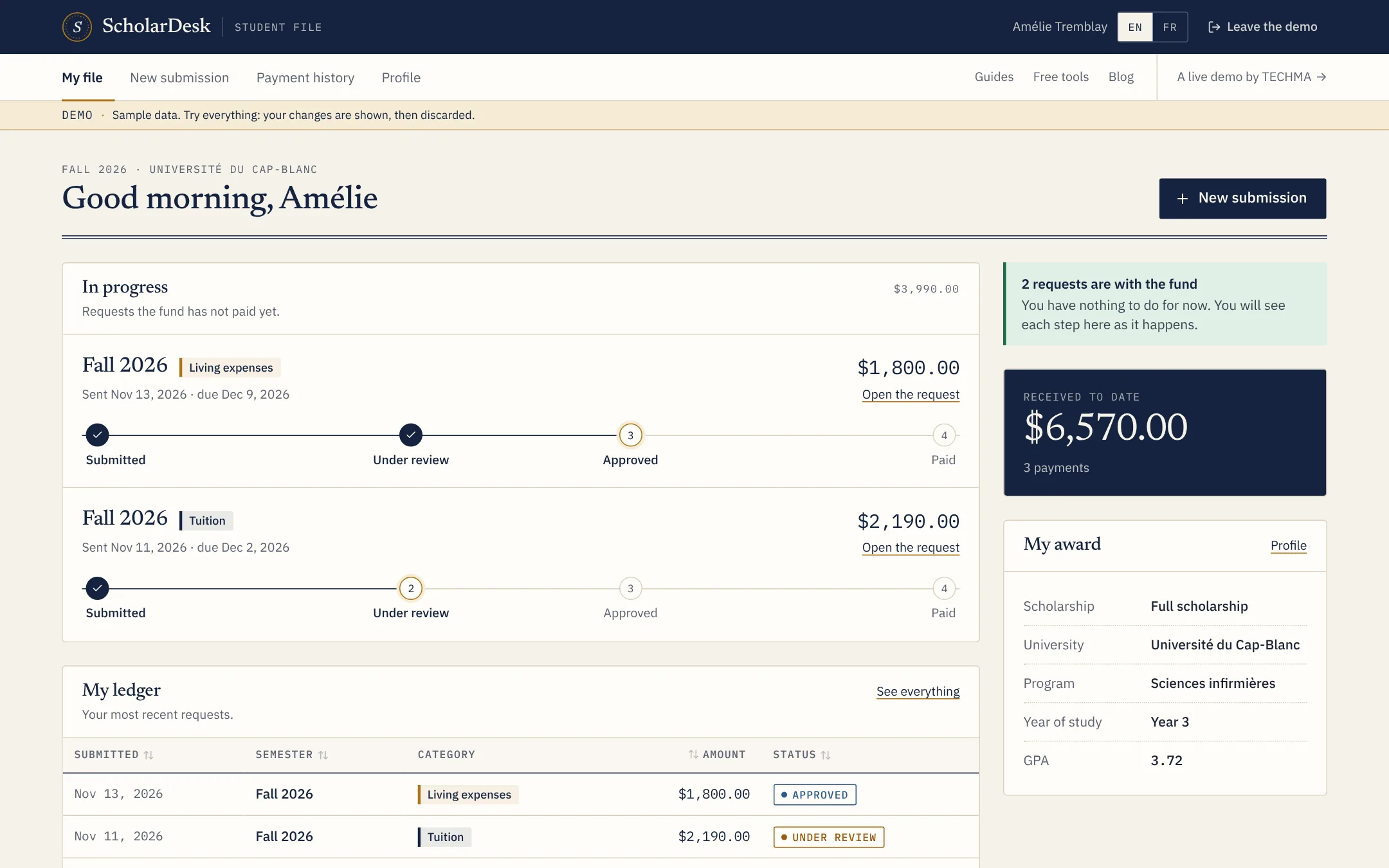
The home page lists the requests the fund has not paid yet, each with its four steps, and a ledger of the most recent ones. A request can be opened to read the status dates and, if it was refused, the reason.
Their own profile
Students keep their contact and bank details up to date themselves. If the profile is incomplete, the request form says what is missing before they start.
On a phone
Most students will open the portal on a phone. The layout has a tab bar at the bottom, large fields and file upload from the camera roll.